AI-Ready Data Centers: What CIOs Should Know About the Hardware Behind the New AI Frontier
January 19, 2026
Most people understand how much heat a gaming PC or workstation can generate. A modern graphics card can draw 300 to 500 watts. Run two GPUs and the fans spin at full speed. The room warms up. Every component works hard.
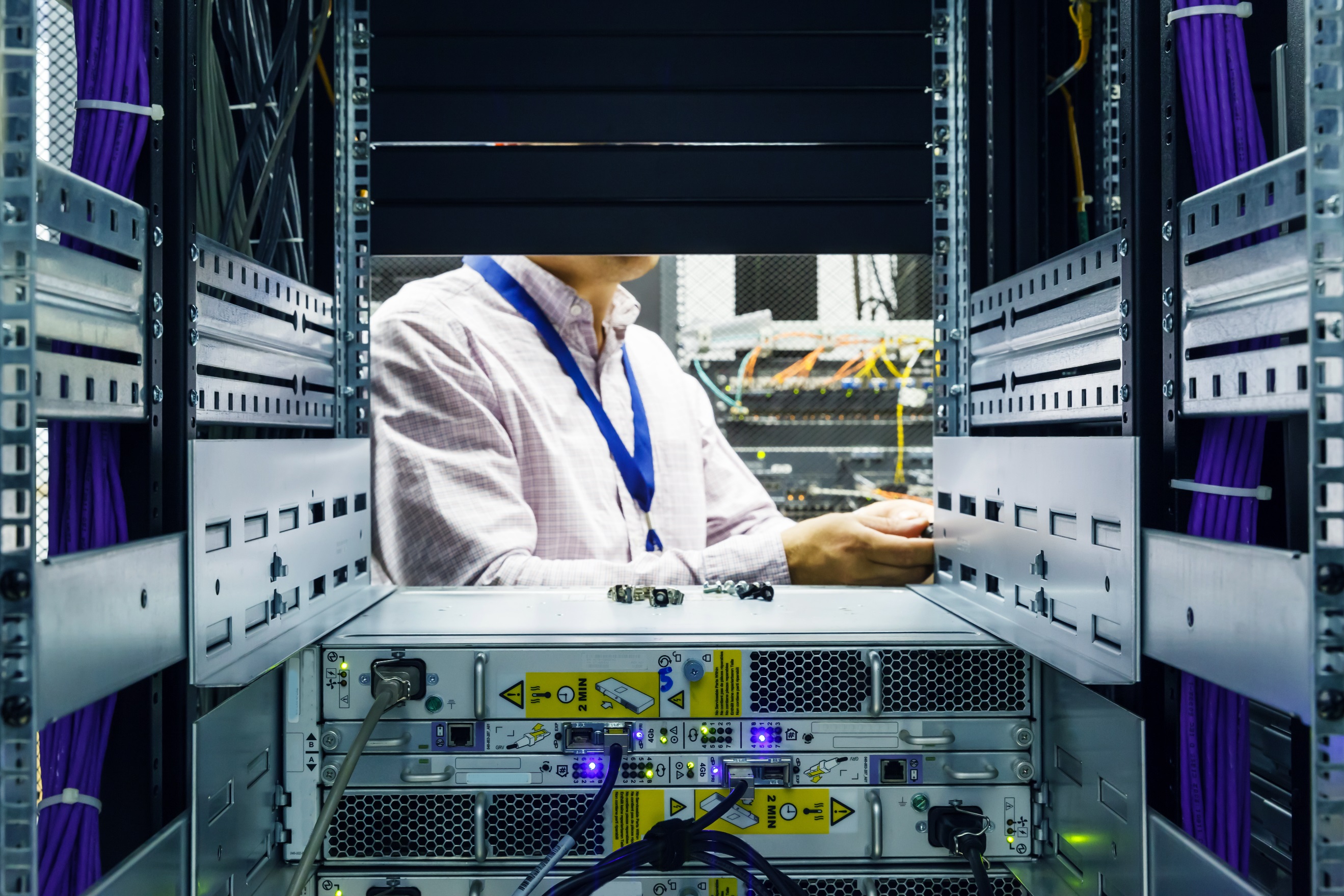
Now scale that to a data center rack. A typical enterprise server before the AI boom might use 500 to 1,000 watts. A full rack might hold 20 to 40 servers and draw 10 to 15 kW. Standard air cooling managed this load without stress.
AI changed this math.
Modern AI servers can draw 5,000 watts or more per chassis. Some systems with eight GPUs pass 10,000 watts. A single rack can reach 30 to 100 kW. New hardware may reach 120 to 140 kW.
This is like replacing a rack of quiet office PCs with a rack of industrial space heaters. The heat output is massive. Cooling and electrical systems must evolve to support it.
The sections below break down the systems behind these new workloads and what CIOs should consider as they plan for uptime, cost control, and sustainability.
Direct to Chip Cooling: Liquid Cooling Applied at Server Scale
If you have added a liquid cooler to a home PC, you already understand the idea behind direct to chip cooling. A closed loop moves warm water away from the processor. A radiator releases the heat into the air.
Data centers use the same principle at industrial scale. Water flows to cold plates on each CPU or GPU. It removes heat before it enters the room.
Direct to chip cooling works best when teams want predictable thermal control, operate mixed hardware in the same rack, or need a system with straightforward maintenance.
This approach supports rack densities from 80 to 120 kW depending on the hardware. Uptime improves because temperatures remain stable. Power use drops because air handlers do less work.
Immersion Cooling: Total Contact Cooling for High-Density AI
If direct-to-chip cooling is like adding a liquid cooler, immersion cooling is like placing the entire PC into a bath of non-conductive liquid. Every surface is cooled. Fans are not needed. Heat moves into the fluid and then out through a heat exchanger.
Immersion cooling works well for long AI training jobs that push GPUs to full power, environments with limited floor space, and teams aiming for the lowest long-term power use.
Immersion supports remarkably high densities. Common systems manage over 100 kW per rack and can scale further. It also enables strong PUE performance because air handling drops to near zero.
Rear Door Heat Exchangers: A Bridge Between Air and Liquid Cooling
Rear door heat exchangers (RDHx) sit on the back of the rack. They absorb heat before it enters the room. This is like attaching a water-cooled panel to the back of a home server rack to prevent heat from building up in the space.
RDHx fits well for densities between 30 and 60 kW, when teams want a bridge from legacy air cooling to liquid systems, or when a fast upgrade is important.
This approach keeps capital costs moderate and extends the life of existing data halls.
Warm Water Loops and CDUs: The Plumbing That Makes It Work
Warm water loops move heat out of the data hall. They connect to cooling distribution units (CDUs) that separate facility water from IT water. It functions like a radiator system in a home designed for precision and safety.
Warm water loops matter because they support direct-to-chip and immersion cooling, reduce chiller use, and create options for future heat reuse.
Leak Detection and Maintenance: Protecting High-Density Racks
Liquid cooling introduces new operational needs. CIOs should expect continuous leak detection in racks and manifolds, automated shutoff valves, and routine inspections that align with GPU refresh cycles.
These practices reduce downtime risk and protect high value hardware.
Thermal Telemetry: Identifying Problems Before They Affect the Environment
Home PC users might check temperatures in a hardware monitor. Data centers do this at scale with telemetry across pipes, pumps, plates, and racks.
Modern telemetry adds sensors on cold plates and distribution loops, heat flux tracking for each rack, and alerts tied to workload changes. These capabilities improve reliability and support proactive maintenance.
How These Choices Affect Uptime, Cost, and Sustainability
Uptime
Liquid cooling keeps temperatures stable even when workloads surge. Telemetry detects issues before they affect the environment. RDHx solutions maintain reliability in mixed environments.
Cost
Direct to chip systems strike a balance between efficiency and investment. Immersion has higher upfront cost but strong long-term savings. RDHx offers a practical update path for existing facilities. Warm water systems reduce chiller power.
Sustainability
Liquid cooling can improve PUE. Warm water systems enable heat recapture. Innovative hardware is currently being developed to manage higher inlet temperatures, leading to reduced energy consumption over time.
What Comes Next
AI hardware is advancing fast. CIOs should prepare for higher temperature liquid cooling with 40-to-45-degree inlet water, modular immersion pods that support 200 kW racks, AI-driven facility controls that adjust cooling and power in real time, and GPU fabrics that increase power density beyond current expectations.
These designs will influence how data centers evolve over the next decade.
The Path Forward
AI workloads are growing quickly, and data centers need to grow with them. CIOs benefit from a clear roadmap that connects density, cooling, and facility systems to long-term business outcomes.
Lunavi helps clients plan and operate environments that support advanced cooling, warm water systems, and high-density AI racks. Each recommendation aligns with cost, reliability, and future flexibility so organizations can move forward with confidence.
Related Topics:

.png)