From Chaos to Consistency: Engineering Reliable AI Workflows with XML

January 5, 2026
We were using AI to generate financial deliverables, and every run produced different results. Same data. Same prompt. Different outputs.
Sometimes the metrics matched across documents. Sometimes they didn’t. Sometimes the model validated inputs before doing any work. Other times it skipped straight to generation. The only consistent thing was the inconsistency.
That meant every output required manual verification. For work that needed to be 100% accurate and repeatable, using AI felt less like automation and more like gambling. The odds were usually good, but never guaranteed. And for financial deliverables, “usually” wasn’t good enough.
What ultimately improved consistency wasn’t a new model or more clever wording. It was a structural change in how instructions were defined.
The Problem: When Prompts Introduce Risk
If you’re using AI for anything beyond one-off questions, this pattern is probably familiar.
Teams see variability show up in subtle but costly ways. The model takes different paths through the same task. Calculations vary between runs. Document structure shifts unexpectedly. Over time, results become dependent on who wrote or ran the prompt rather than on a shared, repeatable process.
From an operational perspective, this creates friction. Time gets spent reviewing and correcting outputs. Confidence erodes when numbers don’t match across documents. Knowledge becomes trapped in individual prompt authors instead of something the team can rely on and reuse.
The root cause is not mysterious. Large language models are probabilistic by design. Given the same input, they can follow different reasoning paths. Natural language instructions add another layer of ambiguity.A prompt like “analyze this data” leaves open questions about sequence, validation, assumptions, and stopping points.
For exploratory work, that flexibility is useful. For repeatable workflows, it introduces risk.
The Insight: XML as a Constraint Language
The shift came from treating XML not as markup, but as a way to introduce constraints.
Structured instructions change how the model approaches a task. Instead of interpreting intent on the fly, the model is guided through a defined process. XML makes it possible to express that process explicitly.
With XML-structured instructions, you can define clear phases that must be completed in order, validation checkpoints that block progress when conditions aren’t met, and named steps that can be referenced and reviewed. Success and failure paths become explicit instead of implied.
This was the difference between asking someone to “build a house” and giving them architectural plans with inspection points. Both aim for the same outcome, one leaves everything to interpretation, and the other defines what completion looks like at each stage.
What Are Claude Skills?
Before diving deeper, a quick primer.
Claude Skills are reusable instruction sets stored as markdown files that Claude Code can invoke. They typically live in a project’s .claude/skills/ directory and are loaded when Claude is asked to perform specific tasks.
Each skill acts as a specialized mode. It combines domain context, workflow steps, and output structure for a particular kind of work.
The important takeaway is that the way these skills are structured has a direct impact on consistency and reliability. Small differences in structure can lead to large differences in outcome.
The Pattern: Anatomy of an XML Skill
Here is the structure that proved effective:
<skill-name version="1.0">

  <validation-phase name="pre-flight" priority="critical" blocking="true">
    <description>Verify all inputs before starting work</description>

    <step number="1" name="verify-data-exists">
      <instruction>Check that required input files exist</instruction>
      <check type="file-exists">
        <path>data/input-file.json</path>
      </check>
      <on-success>Proceed to Step 2</on-success>
      <on-fail>
        <action type="stop">Cannot proceed without input data</action>
      </on-fail>
    </step>

    <step number="2" name="lock-data-source" required="true">
      <instruction>Confirm which data source is authoritative</instruction>
      <rules>
        <rule severity="critical">Use ONLY values from input-file.json</rule>
        <rule severity="critical">NEVER recalculate metrics</rule>
      </rules>
    </step>
  </validation-phase>

  <analysis-phase name="core-work">
    <step number="1" name="extract-metrics">
      <instruction>Extract key metrics from validated data</instruction>
      <data-source>input-file.json</data-source>
      <output-format>
        | Metric | Value | Source |
        |--------|-------|--------|
      </output-format>
    </step>
  </analysis-phase>

  <output-phase name="document-generation">
    <document-structure>
      <section number="1" name="executive-summary">
        <content>High-level findings using {metrics} from analysis phase</content>
      </section>
      <section number="2" name="detailed-analysis">
        <content>Deep-dive with supporting data</content>
      </section>
    </document-structure>
  </output-phase>

  <error-handling>
    <scenario condition="missing-input-data">
      <action>Stop and request user provide the missing file</action>
    </scenario>
    <scenario condition="data-older-than-7-days">
      <action>Warn user and ask if they want to proceed</action>
    </scenario>
  </error-handling>

  <validation-checklist>
    <check name="metrics-match">All metrics match source data exactly</check>
    <check name="sections-complete">All required sections are present</check>
    <check name="no-placeholders">No unfilled placeholders in output</check>
  </validation-checklist>

</skill-name>
Insight into the XML Code
Some of the most important reliability gains come from relatively small structural choices.
Setting blocking="true" forces sequential execution. Validation must complete before generation begins.
Explicit <on-fail> actions define what happens when something goes wrong. Instead of improvising or producing partial output, the model follows a known path.
Using severity="critical" removes ambiguity.“Never recalculate” leaves far less room for interpretation than softer guidance.
The <validation-checklist> introduces a final self-check. The model verifies its own output against explicit criteria before handing it back.
Finally, named phases and steps create an audit trail. When something looks off, it’s possible to ask what happened in a specific step instead of guessing where things went wrong.
Before and After Comparison
Before using XML, instructions often looked like this:
## How to Generate the Report
- Read the metrics file
- Generate summary tables
- Add analysis sections
- Include recommendations
Nothing enforces order. Nothing confirms the correct data was used. Errors tend to surface only after the document is complete.
With XML-structured skills, the same workflow becomes explicit:
<validation-phase name="pre-analysis" priority="critical" blocking="true">
  <step number="1" name="verify-metrics-exist">
    <check type="file-exists">
      <path>data/metrics.json</path>
    </check>
    <on-fail>
      <action type="regenerate">
        Run the data preparation script first
      </action>
    </on-fail>
  </step>

  <step number="2" name="display-validation" required="true">
    <instruction>Output a verification table showing loaded metrics</instruction>
    <output-template>
      ## Pre-Validation Complete
      | Metric | Value | Source |
      |--------|-------|--------|
      | Total Items | {count} | metrics.json |
    </output-template>
  </step>

  <step number="3" name="lock-metrics" required="true">
    <rules>
      <rule severity="critical">Use EXACT values from metrics.json</rule>
      <rule severity="critical">NEVER recalculate from raw data</rule>
    </rules>
  </step>
</validation-phase>
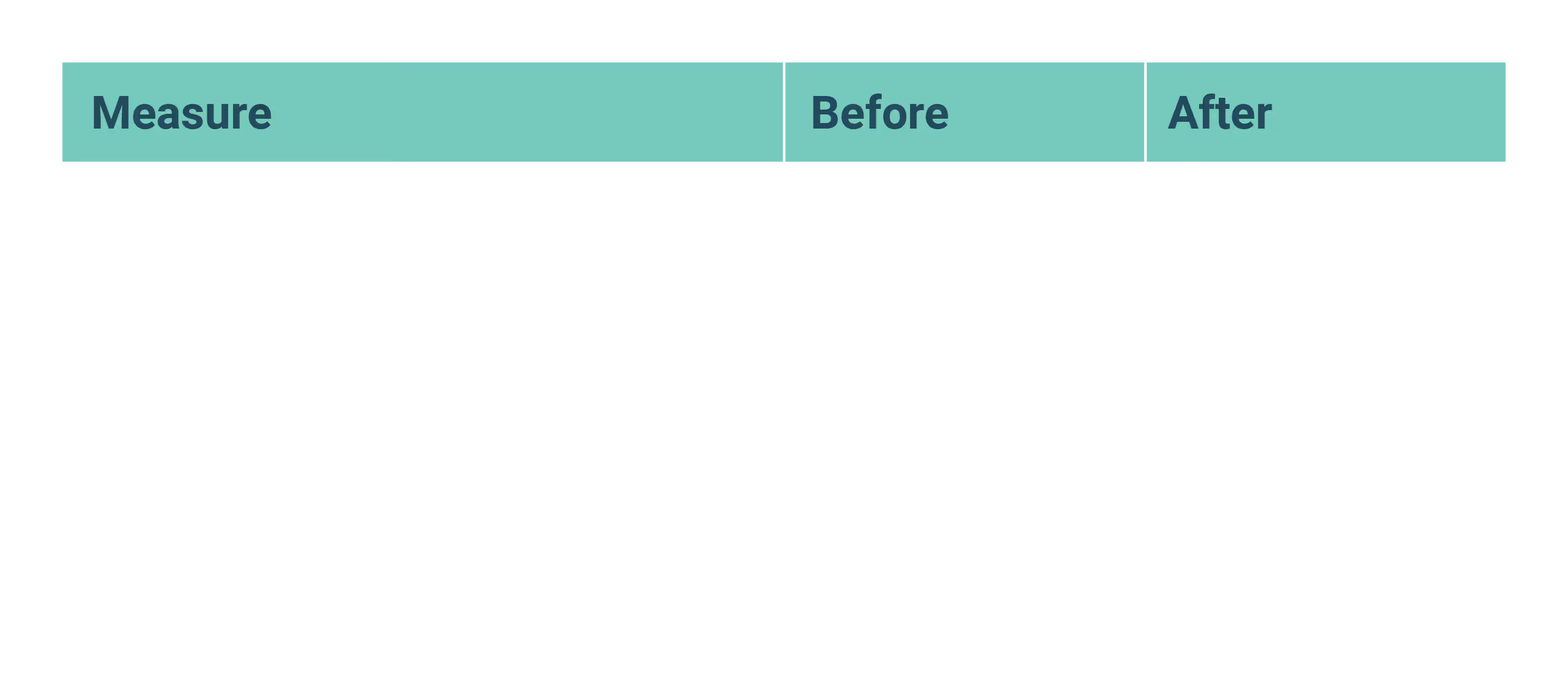
In practice, the difference was measurable:
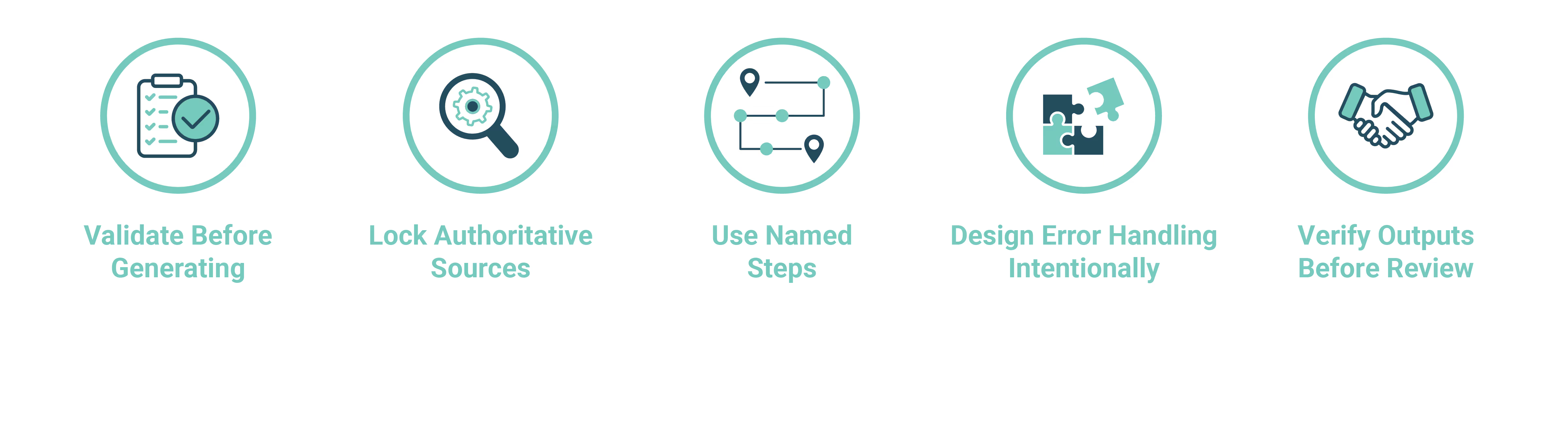
Five Principles for XML Skills
When XML Structure Makes Sense
XML-based skills are not necessary for every interaction. They are excessive for creative writing, brainstorming, or simple one-step tasks.
They are most effective for repeatable workflows where accuracy, consistency, and delegation matter. This includes multi-step processes, regulated outputs, and work that must be trusted across teams.
Stop Gambling with AI Workflows
Early on, using AI for this kind of work felt like rolling the dice. The odds were decent, but the risk was real, and the outcomes weren’t always defensible.
The goal of XML-structured skills isn’t to remove probability from AI. That’s not possible. The goal is to control where variability is allowed and where it isn’t. Constraints turn uncertainty into something manageable.
For organizations trying to operationalize AI, this distinction matters. When outcomes are predictable, AI becomes easier to trust, easier to delegate, and easier to scale. At that point, it stops feeling like abet and starts behaving more like a process.
The most reliable AI systems tend to look less like clever prompts and more like well-defined workflows.
Related Topics:

.png)